Sheet:


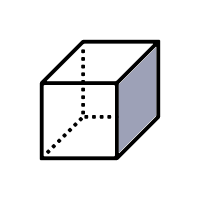
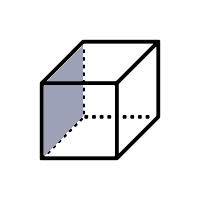
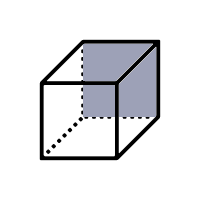
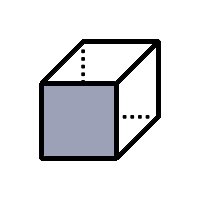
Selection:


| ID | Part# | Name | Desc |
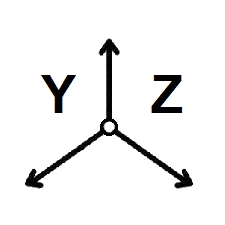
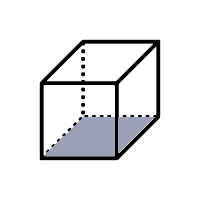
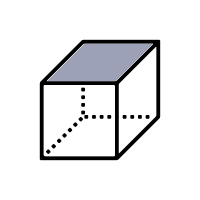
The "Sheet" pull-down in the upper left side corner can be used to switch between 3 different views.
Moving the mouse over a graphic object will highlight the corresponding table row.
Moving the mouse over a table row will highlight the corresponding graphic object.
Selecting (clicking) a graphic object will select the corresponding table row.
Selecting (clicking) a table row will select the corresponding graphic object.
Multiple objects/rows can be selected by pressing the control key while selecting